Federal prosecutors have made serious allegations against a former OpenAI engineer, and the case offers a useful lesson about a risk most of us overlook: the person with legitimate access. By the end of this article, you will know what has been alleged, what has not been established, and how to apply five practical habits that shrink insider risk in your own small business, team, or household.
What has been alleged
Per Fox News, federal prosecutors allege that Abdulrahman Alfozan, a former OpenAI engineer, planted recording devices inside OpenAI facilities. Prosecutors also say he was in frequent contact with Saudi royalty and searched internal company records tied to Saudi engagements before his arrest.
Fox News reports that prosecutors argue the case may involve national security risks, foreign government support, and potential flight risk. The headline on the original report also says a foreign government helped his family leave the US. These are allegations from prosecutors, not findings of guilt. The report details available here do not include a defense response, a verdict, or proof of what any recordings captured, so treat the story as unresolved.
Why it matters to ordinary users
It is tempting to file this under spy-thriller news. But the underlying pattern is mundane: someone with a badge, a login, and a reason to be in the room. Fox News frames the case against a backdrop of AI companies being treated as strategic national-security assets, with heightened scrutiny of competition for AI talent and trade secrets.
You are not guarding a frontier AI lab. Still, you probably have shared passwords, a family photo archive, client files, or a home office. The same principle applies at any size: access should match need.
Five habits that reduce insider risk
These are general security practices, not steps drawn from the case. Menus vary by app and device version, so look for the equivalent setting if yours is labeled differently.
1. Give each person their own login
Shared accounts make it impossible to tell who did what. In a streaming, cloud storage, or business app, create a separate user for each person. Most services, including Google Drive, Dropbox, and iCloud Family Sharing, support this on current versions.
2. Share the minimum
Open your cloud storage and look at who can view each shared folder. Change "anyone with the link" to specific people. Set collaborators to "Viewer" instead of "Editor" unless they truly need to change files.
3. Review access on a schedule
Pick a recurring date, such as the first of each quarter, and check:
- Who is still on your shared folders and group chats
- Which apps are connected to your Google, Apple, or Microsoft account
- Which devices are signed in to your accounts
Remove anything you do not recognize or no longer need. Do this immediately when a contractor, roommate, or employee leaves.
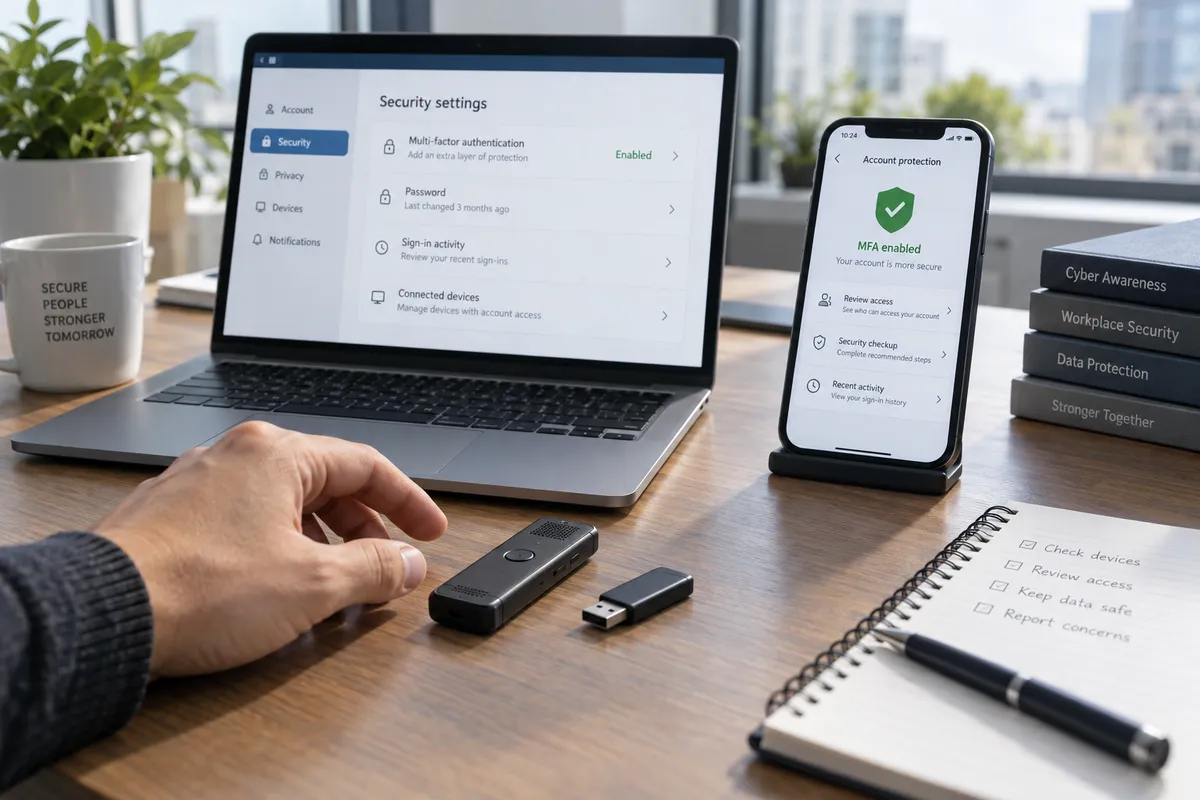
4. Turn on activity logs and alerts
The allegations include searches of internal records, which is a reminder that access patterns can reveal intent. You can use the same idea at a small scale. Many cloud and email services show recent sign-ins and file activity. Enable sign-in alerts so you get a notice when a new device logs in.
5. Know your physical space
Recording devices are rarely a home concern, but physical access matters. Keep a router, a NAS drive, or a work laptop somewhere you control. Lock your screen when you step away (Windows key + L on Windows, Control + Command + Q on a Mac). Note any unfamiliar gadget in a shared workspace and ask about it.
What to avoid
Do not turn caution into suspicion of everyone around you. Good access controls work because they are routine and impersonal: nobody is accused, the rules simply apply to all. Also avoid drawing conclusions about nationality or background from a single criminal case. Prosecutors have made specific allegations about one individual, and nothing more should be inferred.
The takeaway
This week, spend ten minutes opening your most important shared folder or account and removing one person, app, or device that no longer needs access.