A post on Hacker News this week is a useful reminder of how to read security scare stories. A project called "Steal My Bitcoin" was posted as a Show HN. Its author wrote that they made it "because I'm curious if anyone out there has figured out how to actually use this PHP RCE we spent the last few days panicking over." The post had 440 points and 264 comments at the time of the source listing.
The idea is simple. A bug gets labeled dangerous, and people panic. Then someone puts Bitcoin on the line and asks whether the bug can really be used against a live target.
By the end of this article, you'll understand what "RCE" means, why it triggers alarm, and how to run a calm, practical check on any PHP-powered site you own or use. I don't have details of the specific vulnerability or how the challenge is set up, so I won't guess at them. The source only confirms the premise above. What follows is general guidance that holds up whatever the bug turns out to be.
What "PHP RCE" means in plain English
PHP is a programming language that runs a huge number of websites, including many built on common content management systems. RCE stands for remote code execution. It means an attacker, from anywhere on the internet, could make a server run commands the owner never intended.
That is why developers react strongly. If an attacker can run code on your server, they may be able to read files, change your site, or reach other systems. It is among the most serious kinds of bug to hear about.
Why a scary bug isn't always a usable bug
The Hacker News author's own framing points at the gap: a vulnerability can sound catastrophic on paper, yet nobody may have shown a reliable way to use it against a real setup. Whether a bug is exploitable often depends on conditions, such as specific configurations, versions, or settings.
That doesn't mean you can relax. It means the right response is checking your own situation instead of either ignoring the news or panicking. A public challenge like this one is an interesting way to test the theory, though I'd treat any outcome as one data point, not a final verdict.
A five-minute checklist for your own site
These steps work on any site you run. You don't need to be a developer for most of them.
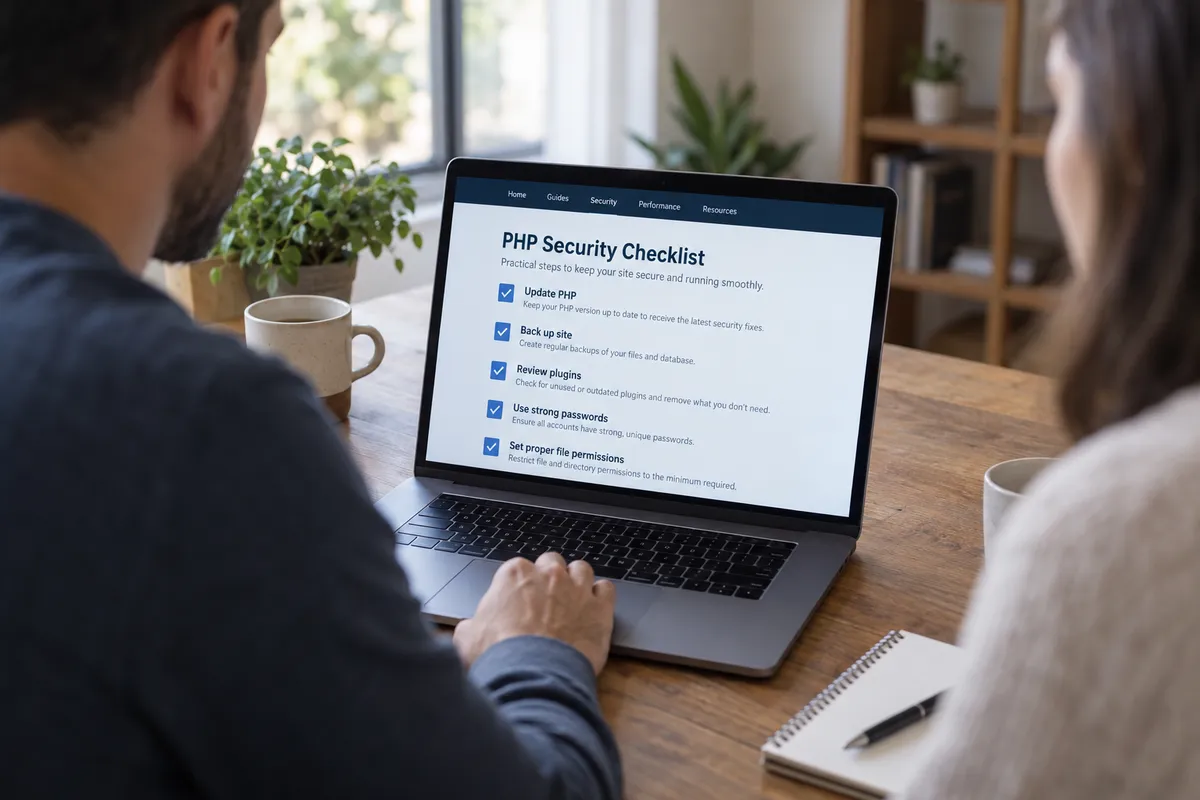
1. Find out whether you use PHP at all
Log in to your hosting dashboard and look for a "PHP version" setting. If you use a hosted website builder that handles everything for you, the provider manages PHP, and you'll mainly be waiting on their updates.
2. Note your current PHP version
Write down the number shown, such as 8.x. When a PHP security story breaks, the first thing to read is the official announcement's list of affected versions. Compare it to yours.
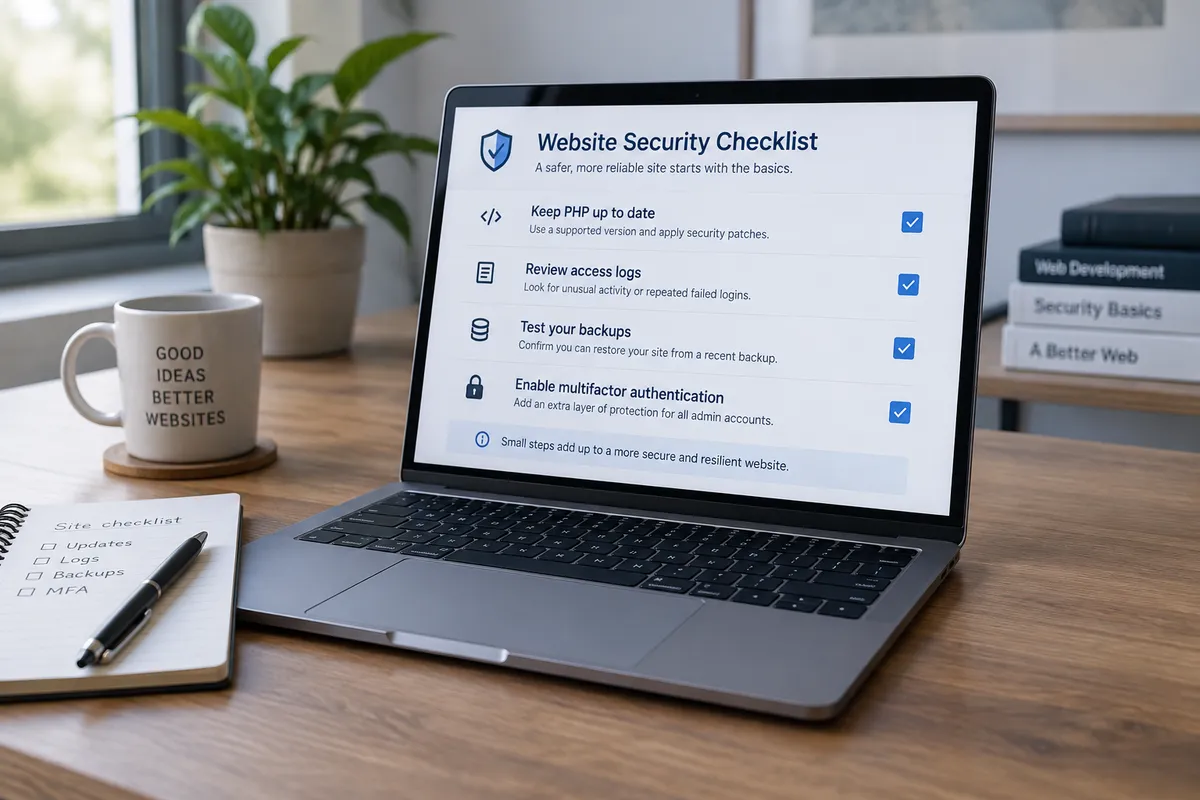
3. Update to the latest supported release
Most hosts offer a version dropdown. Choose the newest supported release, then load your site and click through a few pages. If something breaks, switch back and ask your developer or the plugin author for a fix.
4. Update your site software and plugins
If you use a content management system, run its update screen. Outdated plugins are a common weak point regardless of the language underneath.
5. Turn on backups and confirm one exists
Check that a recent backup exists, and know how to restore it. Backups turn a disaster into an annoying afternoon.
How to read the next security scare
When the next alarming headline lands, ask four questions:
- Who is affected? Look for specific versions or configurations.
- Is there a fix? If so, apply it first and debate later.
- Has anyone shown it working? Real demonstrations matter more than theory, which is exactly the curiosity behind this Hacker News post.
- Does it apply to me? If you don't run the affected software, note it and move on.
A note on exploit challenges
Bitcoin-backed challenges invite people to test claims in public, which can teach the community something. But attacking systems you don't have permission to test is illegal in many places. If you want to experiment, only target something that explicitly invites it, and read any rules the organizer publishes. I haven't seen this project's rules, so check them yourself before touching anything.
The takeaway
Don't wait to learn whether a bug is truly exploitable. Check your PHP version today, update it, and confirm you have a working backup.