
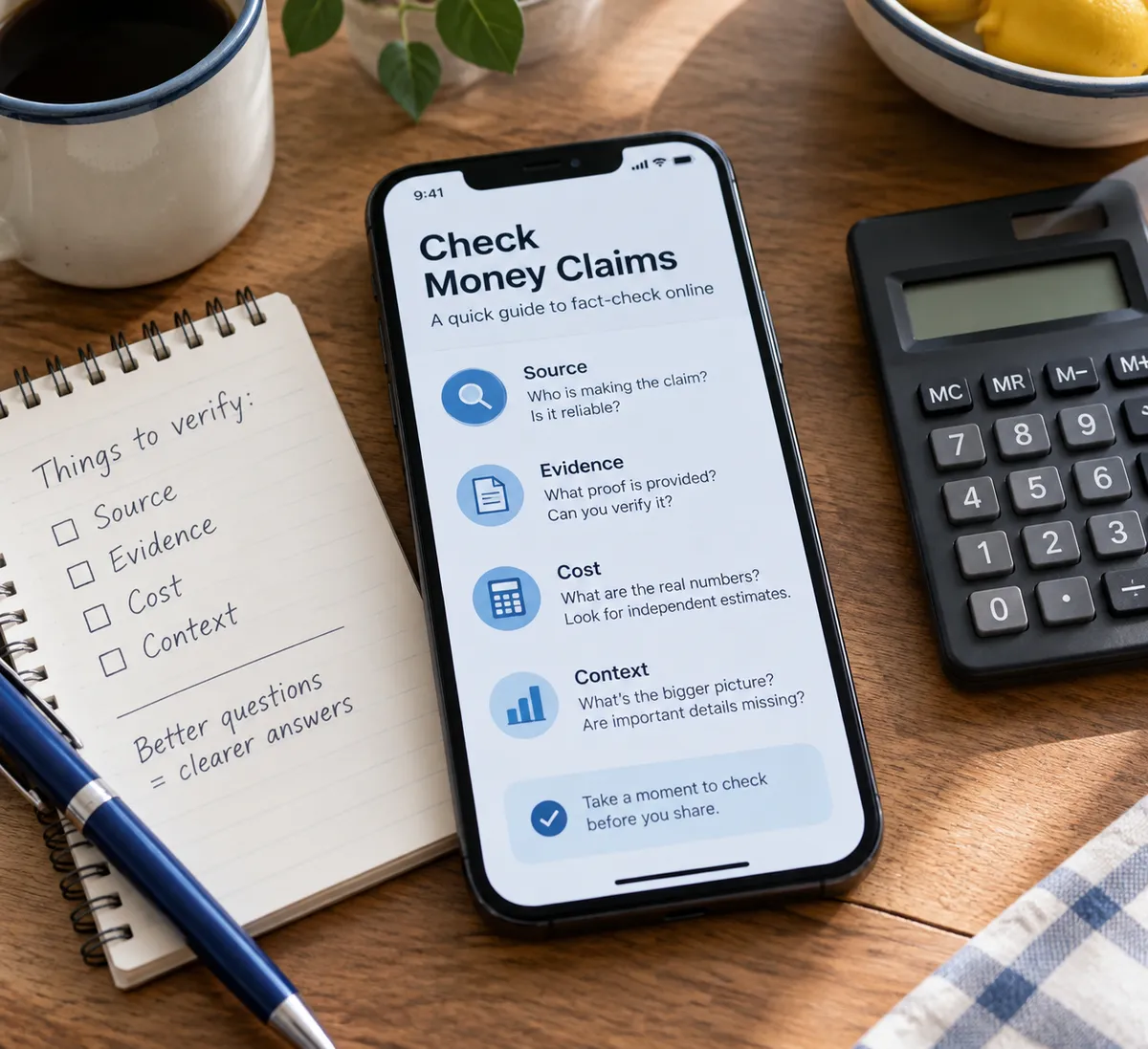
President Donald Trump has proposed a $5,000 dividend for adult U.S. citizens if Republicans hold the House and Senate majority, and warned of a 1929-style economic depression if Democrats win, per Fox News. This is a campaign proposal, not a program. Nothing in the reporting says a payment is scheduled, funded, or open for sign-up.
That gap between a promise and a real program is where online scams and confusing posts thrive. This guide won't tell you how to vote. It will show you how to check a big money claim in about five minutes, protect yourself from "claim your check" scams, and tune your phone so fear-heavy headlines don't run your day.
What we actually know
Keep the facts small and sourced. Per Fox News:
- The proposal is a $5,000 dividend for adult U.S. citizens.
- It is tied to Republicans keeping control of both the House and Senate.
- Trump paired it with a warning of a 1929-style economic depression if Democrats win.
The reporting summarized here doesn't say how the dividend would be funded, what it would cost, how it would be paid, or what legislation would be needed. Those are the questions worth asking of any proposal like this, and anyone claiming certain answers right now is guessing.
Step 1: Separate the promise from the program
A real government payment has a paper trail. Before you believe or share a claim, look for these:
- A bill number. Proposals become real when Congress passes a bill and it is signed. Search congress.gov for the bill.
- A funding source. Who pays, and from what?
- An agency. Which office would send the money (the IRS, for example)?
- A start date. "If" and "would" language means it isn't happening yet.
If a post has none of these, treat it as campaign messaging. That's true no matter which party is speaking.
Step 2: Check the claim in under five minutes
On your phone (iPhone with iOS 17 or later, or Android 13 or later, in any current browser):
- Find the original report. Tap the headline and look for the outlet and date. Here, the origin is Fox News.
- Search the exact phrase. Type "voter dividend" plus "$5,000" into your browser and compare at least two outlets with different audiences.
- Look for direct quotes. Reputable coverage quotes the speaker or links the full remarks. Screenshots with no link are a warning sign.
- Check the date. Old claims get recirculated as new. The date on this report is October 25, 2026.
- Read past the headline. Headlines compress. The detail on funding and conditions lives in the body.
Step 3: Treat the depression warning as a claim to test
A warning of a "1929-style economic depression" is a prediction, and predictions are not facts. Here is how to handle one calmly:
- Ask who benefits from your fear. Alarming language tends to get clicks and votes. That applies to both sides' messaging.
- Look for evidence, not adjectives. Does the speaker cite specific policies and numbers, or only a dramatic comparison?
- Check the history yourself. Compare the comparison. Look up what happened in 1929 and the years after, using an encyclopedia or a major library resource, then ask whether today's situation resembles it.
- Notice your reaction. If a headline makes your stomach drop, pause before sharing it.
This isn't about dismissing anyone's economic concerns. Household budgets are a legitimate worry. It's about making decisions from information, not alarm.
Step 4: Protect yourself from "dividend" scams
Whenever a payment idea hits the news, scammers follow with fake sign-up pages, texts, and DMs. No payment has been established here, so any message saying you can claim a $5,000 dividend is suspect. Use these rules:
- Never pay a fee to receive a government payment. Real programs don't charge you to collect.
- Don't tap links in unexpected texts or DMs. Go to the agency's site by typing its address yourself.
- Never share your Social Security number, bank login, or card details with someone who contacted you first.
- Block and report. On iPhone, open the message, tap the sender, then choose Block this Caller, and use Report Junk where offered. On Android Messages, open the conversation, tap the three-dot menu, then Block & report spam.
- Forward scam texts to 7726 (SPAM) to alert your carrier.
- Report fraud to the FTC at ReportFraud.ftc.gov.
Step 5: Keep your feed from running your mood
Election season floods feeds. A few settings help:
- Mute keywords. On X, go to Settings, Privacy and safety, Mute and block, Muted words. On Instagram, use Settings, Hidden Words. Add terms like "depression" or "dividend" for a few weeks if the posts wear on you.
- Limit news notifications. In iPhone Settings, tap Notifications, pick the news app, and switch off Time Sensitive and banner alerts. On Android, long-press the app, tap Notifications, and toggle categories.
- Set a check-in window. Pick one or two times a day for news instead of constant scrolling. Use Screen Time on iPhone or Digital Wellbeing on Android to set an app limit.
- Follow primary sources. Read the full remarks or the bill text over a clipped reaction.
A quick checklist for your next big claim
Save this as a note on your phone:
- Who said it, and where is the original?
- Is it a proposal or a law?
- Who pays, and how?
- What's the date?
- Does anyone want my data or money to "claim" it?
If any answer is missing, wait. Real programs don't vanish if you take a day to check.
The takeaway
Before you share, spend, or sign up for anything tied to a political promise, find the bill, the funding, and the agency. If you can't, it's a campaign pitch, and anyone asking for your details in its name is not on your side.