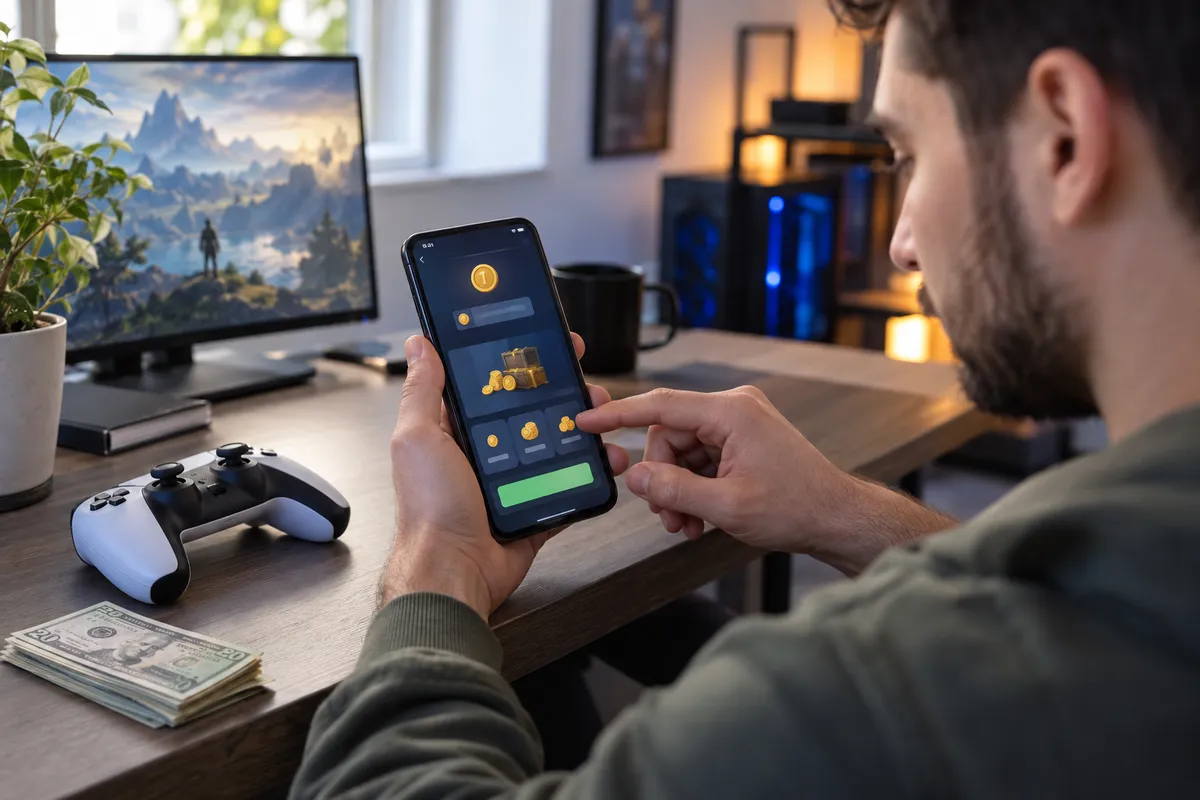
Every time you buy a pile of Robux or load a game wallet, you hand real money to a company in exchange for a private currency. Who protects that money if something goes wrong? A legal scholar says the honest answer is: not much. Below, you'll find what he argues and a set of habits that keep your own balance safer, whether you're a player or a parent.
What the scholar is arguing
Per a report from The Regulatory Review, Raúl Carrillo argues that video game companies have built unregulated "gaming money" systems that increasingly resemble banking. He points to risks including rate manipulation, money laundering, and consumer funds that get trapped inside a platform.
His proposal is a federal Gaming Money Act. According to the report, it would regulate:
- Convertibility (whether and how you can turn game money back into real money)
- Exchange rates
- Identity checks
- Separation of customer funds from the company's own balance sheet
The timing matters because platforms keep moving in this direction. The report cites Sony's move toward stablecoins and Roblox's multibillion-dollar virtual currency economy. Regulators in the EU, California, and the CFPB are reportedly circling the issue, but U.S. federal rules remain underdeveloped.
That's the debate. It's a proposal, not law, so the protections below are on you for now.
Step 1: Translate the virtual price into real dollars
Virtual currency makes it harder to feel what you're spending. A skin that costs "800" of something doesn't register like $10 does.
- Open the store page for your platform's currency (for example, the Robux purchase screen).
- Find the price per bundle and divide it by the amount received.
- Write the real-dollar cost in your phone's notes app for the items you buy most.
Bundles often come in sizes that don't match item prices, which leaves leftover balance. Check the math before you buy, so you aren't nudged into topping up again just to use the remainder.
Step 2: Assume your balance can't be cashed out
Carrillo's concern about trapped funds is the one most players can act on today. Treat anything you load into a game wallet as spent money.
- Buy only what you'll use in the next week or so.
- Skip large bundles for a bonus unless you're certain you'll spend it all.
- Before you buy, read the platform's terms on refunds and balance expiry. Look for the sections titled "refunds," "virtual currency," or "virtual items."
I can't tell you what any specific game's terms say, since they differ and change. That's exactly why a two-minute read before a big purchase is worthwhile.
Step 3: Set spending limits on the device
Platform tools are only part of it. Your phone or console can add a second barrier.
- iPhone or iPad: Settings > Screen Time > Content & Privacy Restrictions > iTunes & App Store Purchases. Set In-app Purchases to Don't Allow, or require a password for every purchase.
- Android: In the Google Play Store, tap your profile icon > Settings > Authentication, and choose to require authentication for all purchases.
- Consoles and PC: Look in the account or family settings for purchase approval or spending limits. Menu names vary by system and software version, so search your platform's help page for "spending limit."
Parents: with a child's account, turn on purchase approval so you see every request.
Step 4: Be careful with gift cards and third-party sellers
Gift cards are a common way to fund game wallets, and they're also a common way scammers collect money. Only buy from the platform or a known retailer, and never pay a stranger who promises discounted currency or account "top-ups." Never share card codes with someone you met in a game chat.
This ties into the money-laundering worry Carrillo raises. When a game economy lets value move between accounts without strong identity checks, it can attract bad actors. As a player, you reduce your exposure by not trading currency or items outside the platform's official systems.
Step 5: Lock down the account that holds the balance
If your wallet is effectively a bank balance, your login is the vault door.
- Use a unique password, ideally from a password manager.
- Turn on two-factor authentication in the account security settings.
- Add a recovery email you actually check.
- Review the purchase history monthly for charges you don't recognize.
If an account with a balance is stolen and the platform isn't required to treat that balance like a deposit, recovering it may be difficult. Prevention is cheaper.
Step 6: Watch for crypto and stablecoin features
If a platform you use starts offering stablecoins or other tokens, slow down. The report names Sony's move toward stablecoins as a sign of where the industry is heading. I don't have details on how any such product works, so check the platform's own documentation and ask three questions before you put money in:
- Can I convert it back to dollars, and at what rate?
- Who holds the underlying funds?
- What happens to my balance if I'm banned or the service shuts down?
If you can't find clear answers, that's your answer.
What a Gaming Money Act could change
If Carrillo's proposal became law, the items on his list would translate into things players can feel: clearer rules on turning game money back into cash, rules on exchange rates, identity verification, and keeping customer funds apart from company finances. That last one is the classic safeguard that banks are held to. Nothing here is certain, and the proposal is one scholar's argument rather than pending legislation based on this report.
The habit that matters most
Before your next top-up, convert the virtual price to dollars and ask yourself whether you'd pay that amount in cash. If not, close the store.