
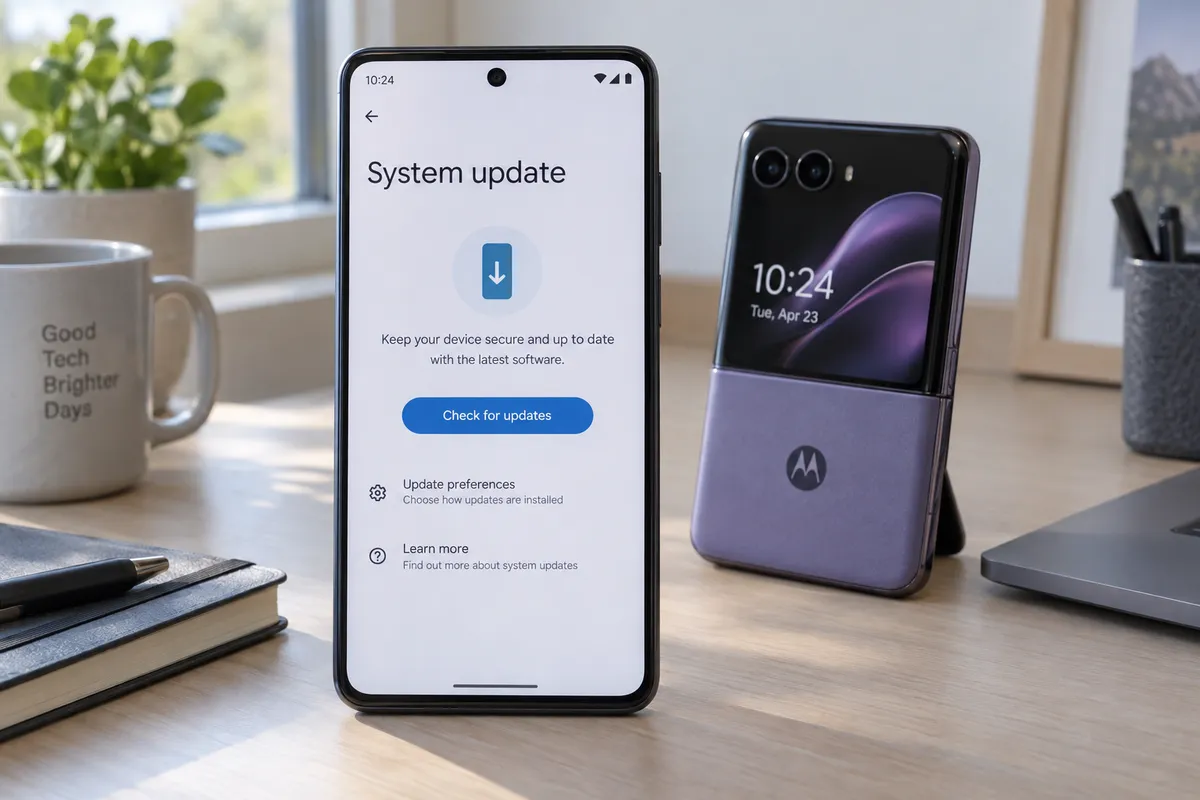
If you've been searching for a "January 2027 update" on your Motorola phone, you're not alone, and there's a practical way to sort out what your phone is telling you. This guide walks you through checking for Android 17, reading the update screen correctly, and what to do while you wait.
What's happening with Motorola and Android 17
Motorola's Android 17 rollout is reaching more phones, though slowly. PhoneArena reports that the update is arriving for Razr Ultra (2025) and Edge 70 Fusion owners. Android Headlines says the Razr Ultra (2025) has finally received Android 17, and that TikTok came along with the update. Talk Android reports that Motorola is expanding Android 17 to more Razr and Edge phones.
The reports I've seen don't explain the "January 2027" wording. A common explanation for dates like this on Android is the security patch level shown in Settings, but I can't confirm that's what people are seeing here. The steps below let you check for yourself.
Step 1: Check which version your phone is running
Open Settings, scroll to About phone, then tap Android version. You'll see two things worth noting:
- Android version: 17 means you already have the update. Anything lower means you're still waiting.
- Android security update (patch level): this is a date. If your "January 2027" label appears here, it describes the patch date, not necessarily a new version waiting for you.
Write both down. They help you tell whether a prompt on screen is a major upgrade or a smaller patch.
Step 2: Check for the update manually
Rollouts like this are staged, so your phone may not have been notified yet. You can nudge it:
- Connect to Wi-Fi.
- Plug the phone in, or make sure the battery is above 50%.
- Go to Settings > System > System updates. On some Motorola phones it sits under About phone.
- Tap Check for update.
If it says your software is up to date, that's usually the end of it for now. Staged rollouts reach different users on different days, so check again every few days rather than every few minutes.
Step 3: See whether your model is on the list
Based on the coverage, these are the phones named so far:
- Motorola Razr Ultra (2025): reported as receiving Android 17 (Android Headlines, PhoneArena)
- Motorola Edge 70 Fusion: reported as part of the rollout (PhoneArena)
- Other Razr and Edge phones: Talk Android says the rollout is expanding to more models, and its article asks whether yours is on the list
I can't give you a full model-by-model list from these reports. Talk Android's article is the best place to check whether your exact Razr or Edge model is included. Also note that availability can differ by carrier and region.
Step 4: Prepare before you install
When the prompt does arrive, a few minutes of prep avoids most problems:
- Back up. Open Settings and search for Backup, then run a Google backup. Photos can go to Google Photos.
- Free up space. Large updates need room. Aim for several gigabytes free, and delete unused apps or old downloads if you're short.
- Charge up. Keep the phone plugged in during the install.
- Pick your moment. The phone restarts, and the first boot can take a while. Don't start it right before you need your phone.
What to expect after updating
Android Headlines notes that TikTok came along with the Razr Ultra (2025) update. If you see a new app appear after updating, check your app drawer and uninstall or disable it if you don't want it. Long-press the icon and choose Uninstall or Disable, depending on what's offered.
After the first restart, give the phone some time. Apps may update and reindex in the background, which can briefly affect battery and speed. If something feels off after a day, restart once more and check Settings > Apps for anything stuck updating.
If the update doesn't show up
Don't try to force it with unofficial files or workarounds. Those can cause trouble with warranties and security. Instead:
- Restart the phone and check again.
- Confirm you're on Wi-Fi and not on a restricted network.
- If you bought through a carrier, check the carrier's support page for its schedule.
- Use Motorola's support channels if your model is on the confirmed list and still hasn't updated after a couple of weeks.
Reports describe this rollout as slow, so waiting is normal rather than a sign something is broken.
The one thing to do today
Open Settings > About phone, note your Android version and patch date, then tap Check for update. That 30-second check tells you whether the "January 2027" label is just a patch date or the sign that Android 17 is on its way.